
WinPython Portable : Test and Review
Follow us on Twitter 
Question, remark ? Contact us at contact@myengineeringtools.com
1. Introduction
2. Characteristics and Download
3. Running WinPython Portable
1. Introduction
MyEngineeringTools.com has listed several portable and online Python solutions for Engineers who don't want to make a full install on their computer. Probably the most referred portable distribution is WinPython. It is indeed a very complete distribution with many functions that could require explanations for people who want to use it. This page is giving more information on WinPython Portable for people who would like to use it, how to download it, how to run it, who to install new packages. We give also our view on this portable distribution.
2. Characteristics and download
2.1 WinPython Portable characteristics
| Editor / Maintenance | WinPython Pierre Raybaut |
| App name | WinPython |
| IDE |
Jupyter-lab Spyder |
| Features (as of redaction of this page) | Python kernel > 3.11 Jupyter-lab > 3.6 Spyder > 5 IDLE Many packages pre-installed |
| Size | >700 Mo compressed >4000 Mo decompressed (although it is possible to download only the kernel, it will be much lighter then) |
2.2 WinPython Portable download
In order to download WinPython Portable, you can follow these steps :
- Connect to the editor's website : WinPython
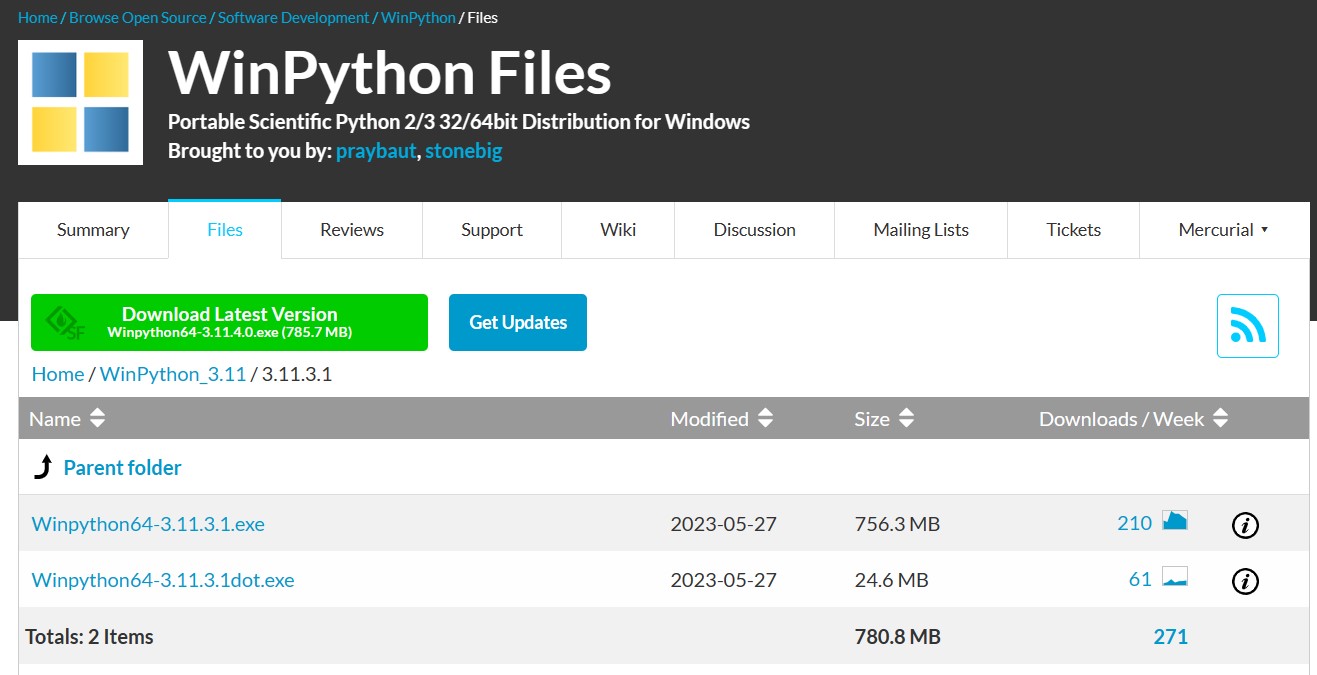
- You can download different WinPython portable version, depending on the version of Python you look after, the packages installed or the download mirror. In our case we have chosen the latest version and to download from Sourceforge.
- When you click on the download button you are sent to another page where you can select 2 files. One is much lighter, it is a very simplified version with only the Python kernel. For most users, the larger files is to be downloaded, it contains all the IDE and packages pre-installed.
3. Running WinPython Portable
After clicking the download button, an executable file will be downloaded to your usual download folder. Locate it and double click on it.

This is not an installer, it will just decompress a folder where you indicate the program to.
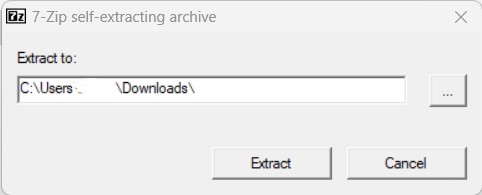
After launching the decompression, you can locate the folder where you indicated you wanted the files to be copied.
Top 5 Most
Popular
1. Compressor
Power Calculation
2. Pump Power Calculation
3. Pipe Pressure
Drop Calculation
4. Fluid Velocity in pipes
5. Churchill Correlation
(friction factor)
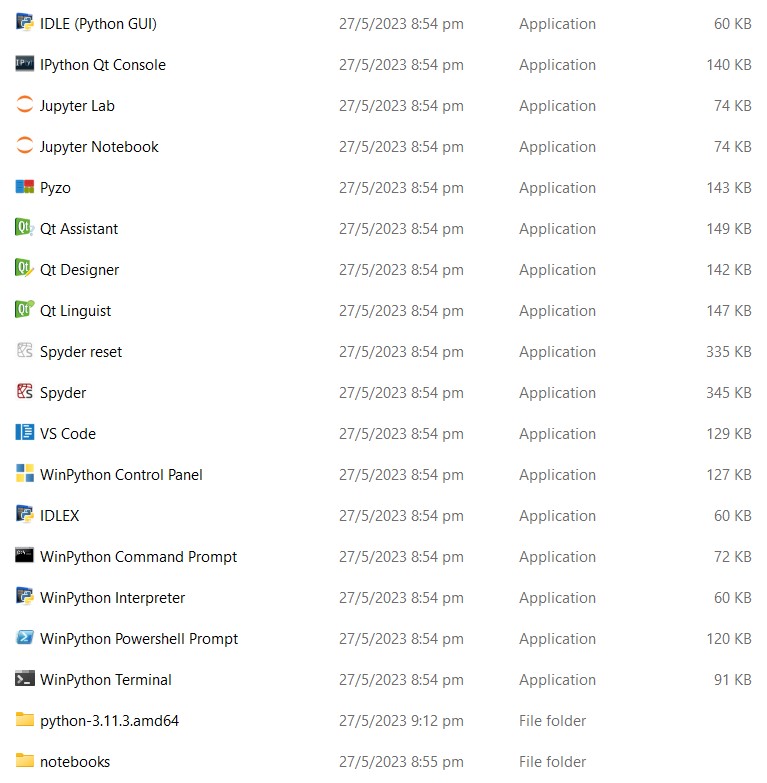
WinPython has the particularity to be very complete, there are different programs that you can launch to develop your code in Python :
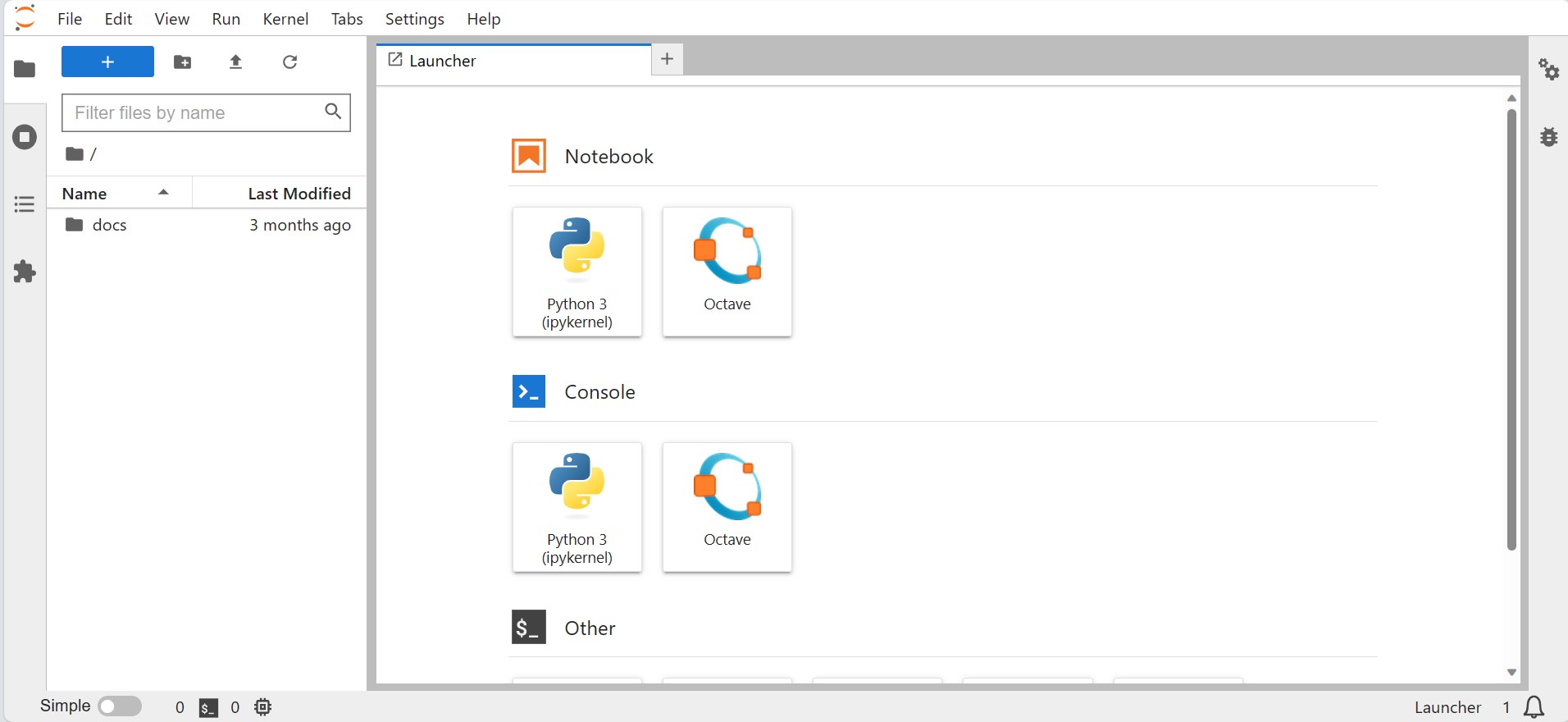
- Jupyter-lab : it is a very popuplar IDE that is run from your browser. It allows to create notebook on which you can integrate text, pictures, in between cells of codes. Code cells can then be run individually or as a whole. It is very efficient for Scientists and Engineers who want to develop a code for their needs and want also to publish the work in an intelligible way for other people. Note that you can run Jupyter notebook as well, it is a simplified version that is presenting less like an IDE.

- Spyder : Spyder is another popular IDE, it is more classic than Jupyter-lab in the sense that you need to write the whole code in a file, but it presents interesting functions to explore variables, debugg...etc... you can also run only some parts of the codes with the latest versions of Spyder which makes it an alternative to Jupyter-lab


- IDLE : it is the IDE that is delivered with Python, it is basic but functional, written in Python, some programmer prefer to stick with this editor rather than heavier ones. You can also use IDLEX which is a revised, more complete version of IDLE.
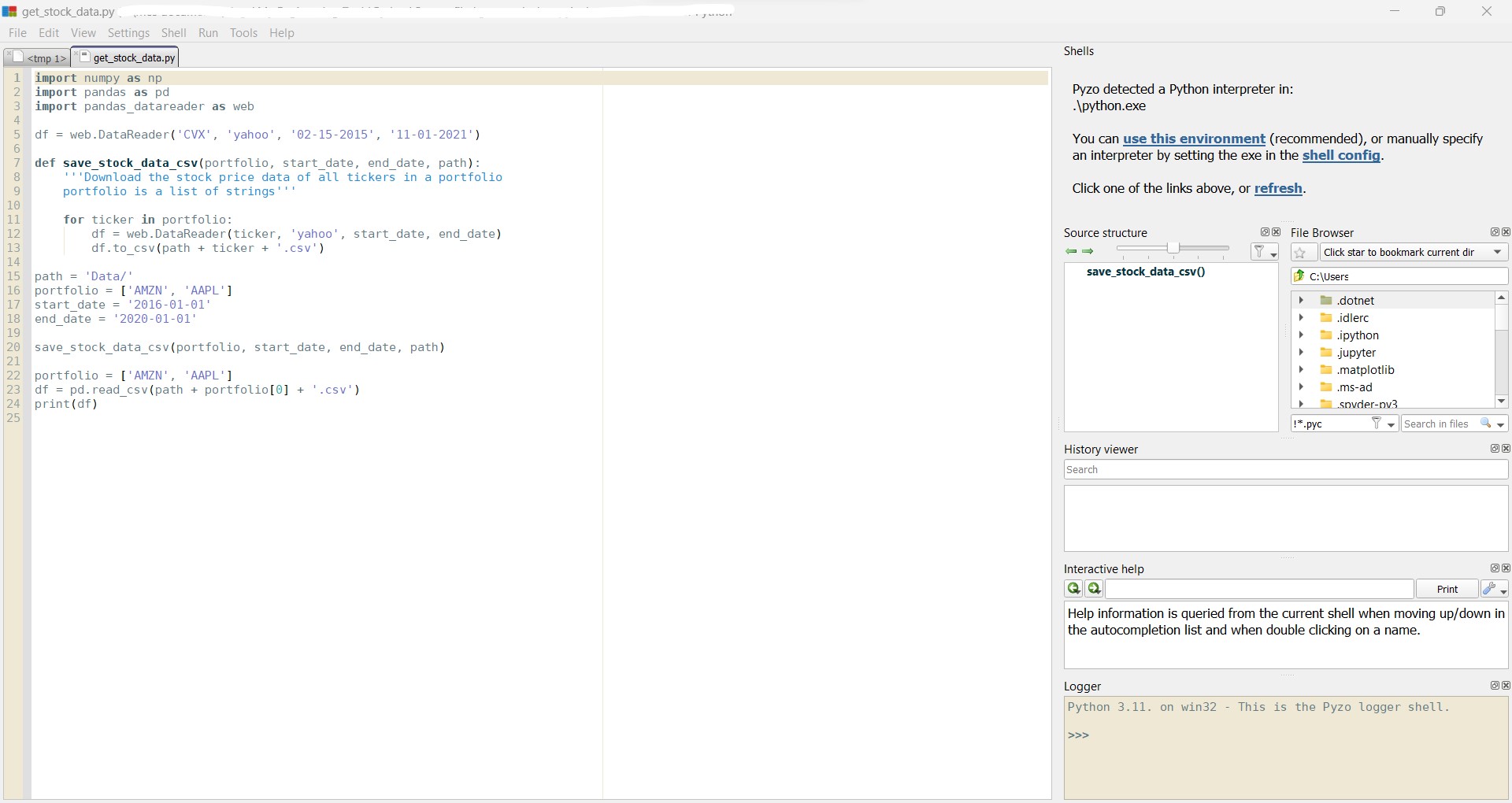
- Pyzo : another lightweight IDE that is delivered with WinPython, not very known but can be an interesting tool to start with. It is written in Python as well.
4. Installing new libraries
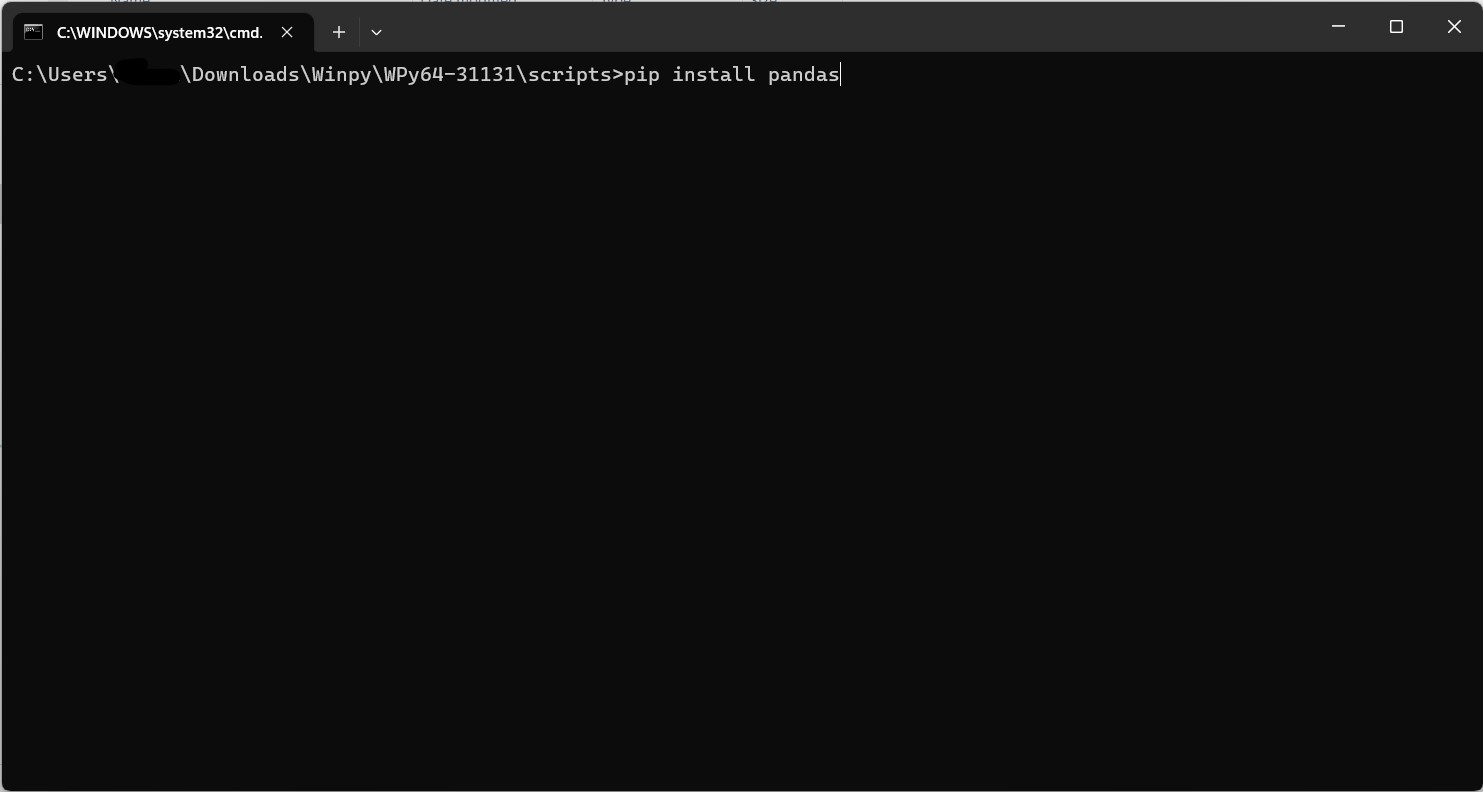
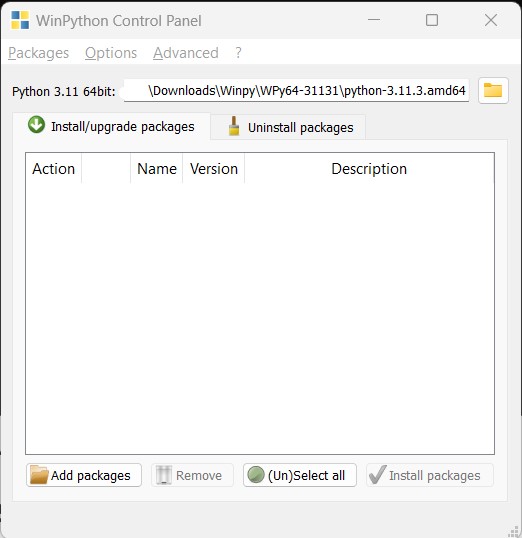
The portable application is not a closed system it is actually possible to install new libraries if your development requires so. For this, you have 2 ways with WinPython. You can either use the console and use pip install, or you have a tool called WinPython Package Manager.
- Pip Install : open the WinPython command prompt and then enter the pip install instructions you want to run.

- WinPython Package Manager : it is an interface to manage the libraries installed in the portable distribution. You can download a package, and then install it via this tool, or you can also uninstall packages you don't need anymore. This is quite an interesting addition, also to be able to list which are the libraries installed already.
5. Test and review
We found WinPython Portable a very nice solution for anybody who don't want to make a full Python install. This is certainly the most complete Portable distribution for Python, offering many libraries pre-installed and several IDE to cover the different tastes and needs of developers. It works and it is possible to extend by adding new libraries. On the other end it ends up asking for around 4 Go of space once decompressed, so for someone who has not so much space free on its hard drive, it is to be kept in mind.
MyEngineeringTools.com note : 5*